
Panasonic Comfort Cloud — Controlling Your Aircond by Phone
What the Comfort Cloud app can do, which models support it, how to set it up, and whether it is genuinely useful day to day.
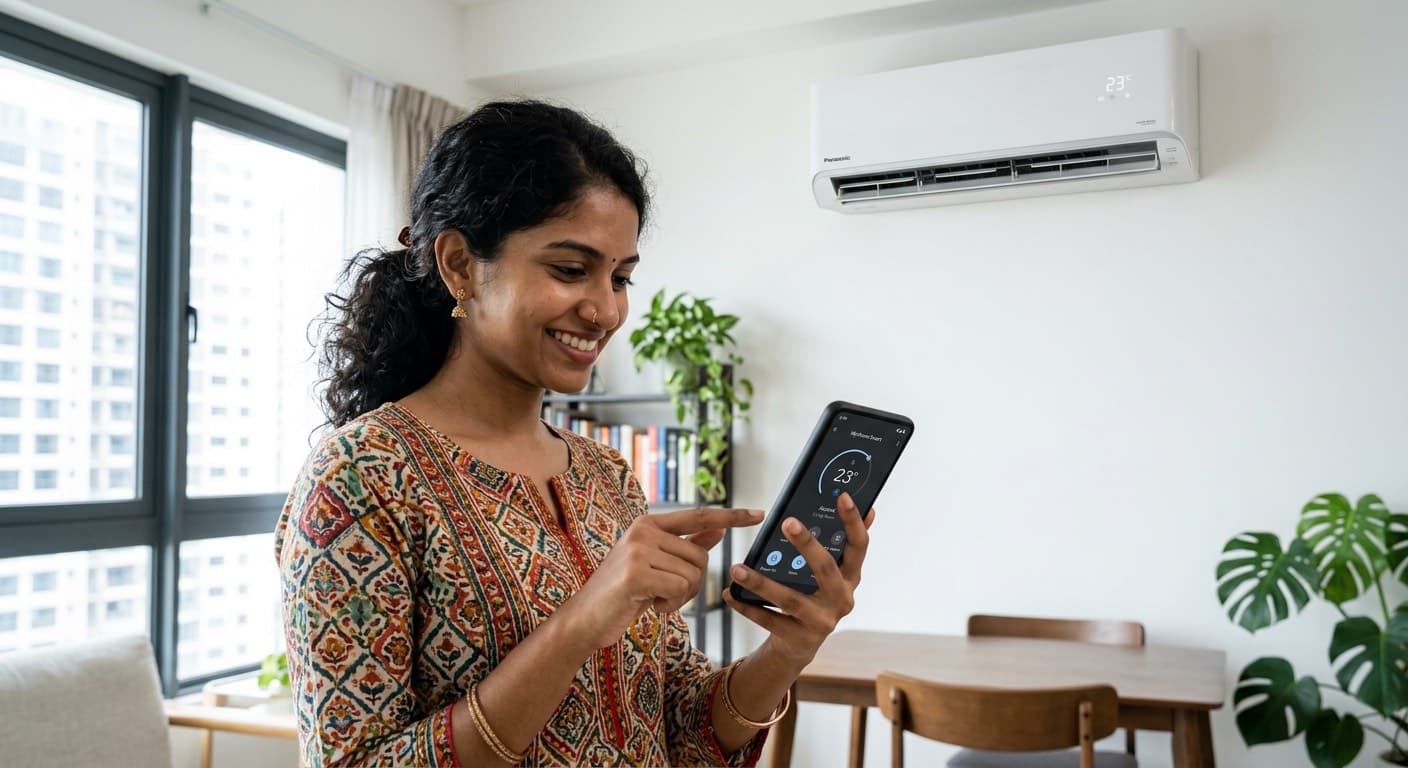
What Comfort Cloud Can Do
- Switch on and off from anywhere — cool the room while you are on the way home
- Weekly schedules — set on and off times for each day
- Energy usage reports — see how many hours and how much power each week
- Maintenance alerts — a reminder when the filter needs washing
- Multi-unit control — every air conditioner in the house in one list

Which Models Support Comfort Cloud
The XU and XPU series have the WiFi module built in — there is nothing extra to buy. The PU series supports Comfort Cloud through an optional adapter (CZ-TACG1), which should be fitted at installation time.
The PN non-inverter series does not support app control at all. If phone control matters to you, start at the PU series.
How to Set It Up
Setup takes about ten minutes. Download the Comfort Cloud app, register an account, then follow the pairing prompts while pressing the WiFi button on the unit’s remote.
One thing catches people out regularly: most air conditioner WiFi modules only support 2.4GHz networks. If your router broadcasts 2.4GHz and 5GHz under one name, split them temporarily while pairing.
Is It Actually Useful?
Honestly — the two features our customers use most are switching the unit on during the drive home, and switching it off after leaving the house without having to turn back. The rest tends to go untouched after the first month.
The energy report earns its place occasionally. It shows plainly which room draws the most power, and that is usually not the room people expect.